

Clock Extension
Replaces the page that appears when the user creates a new tab or window with the analogue or digital clock. You can also get to this page by entering the URL chrome://newtab
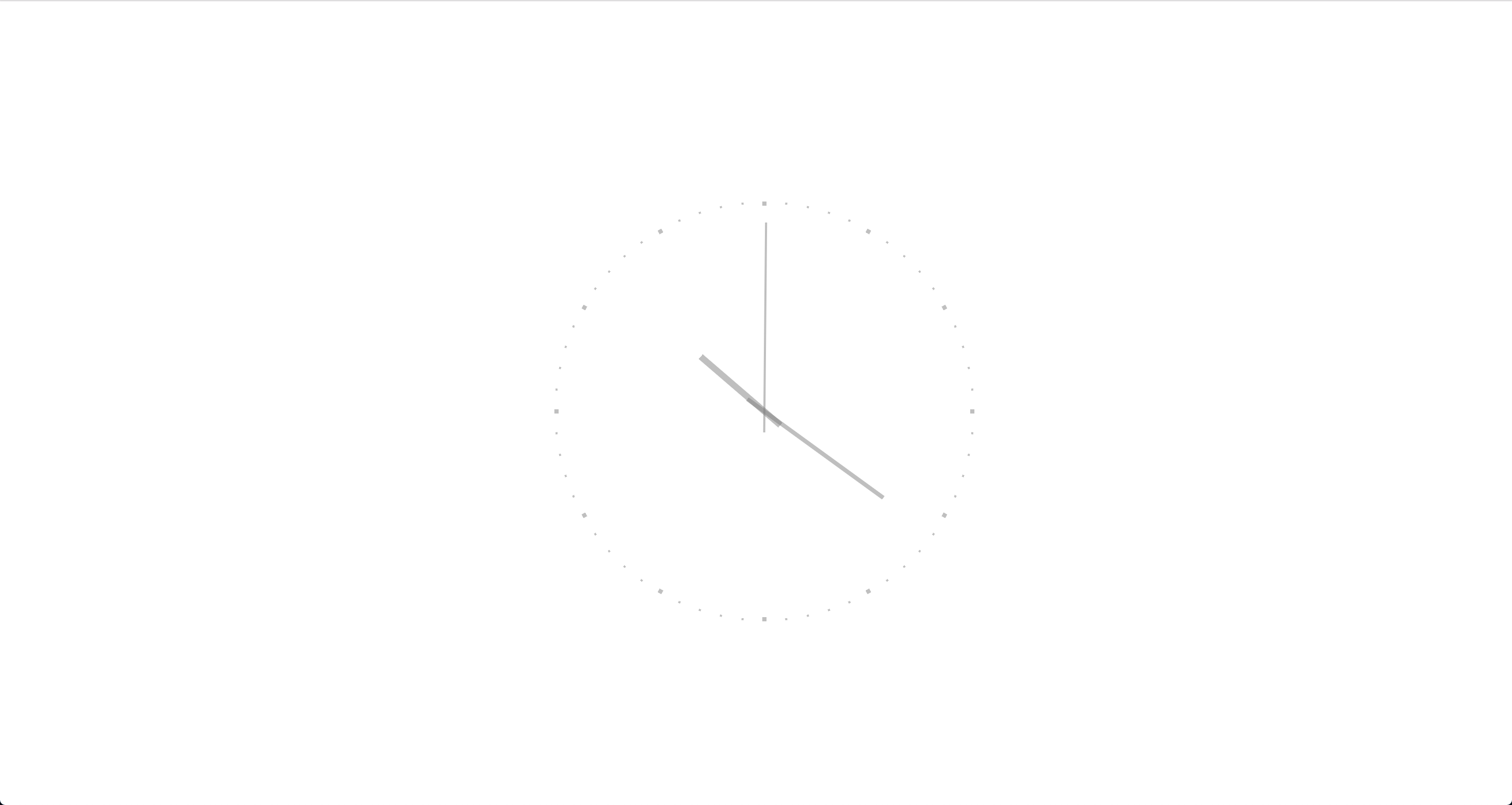
Day
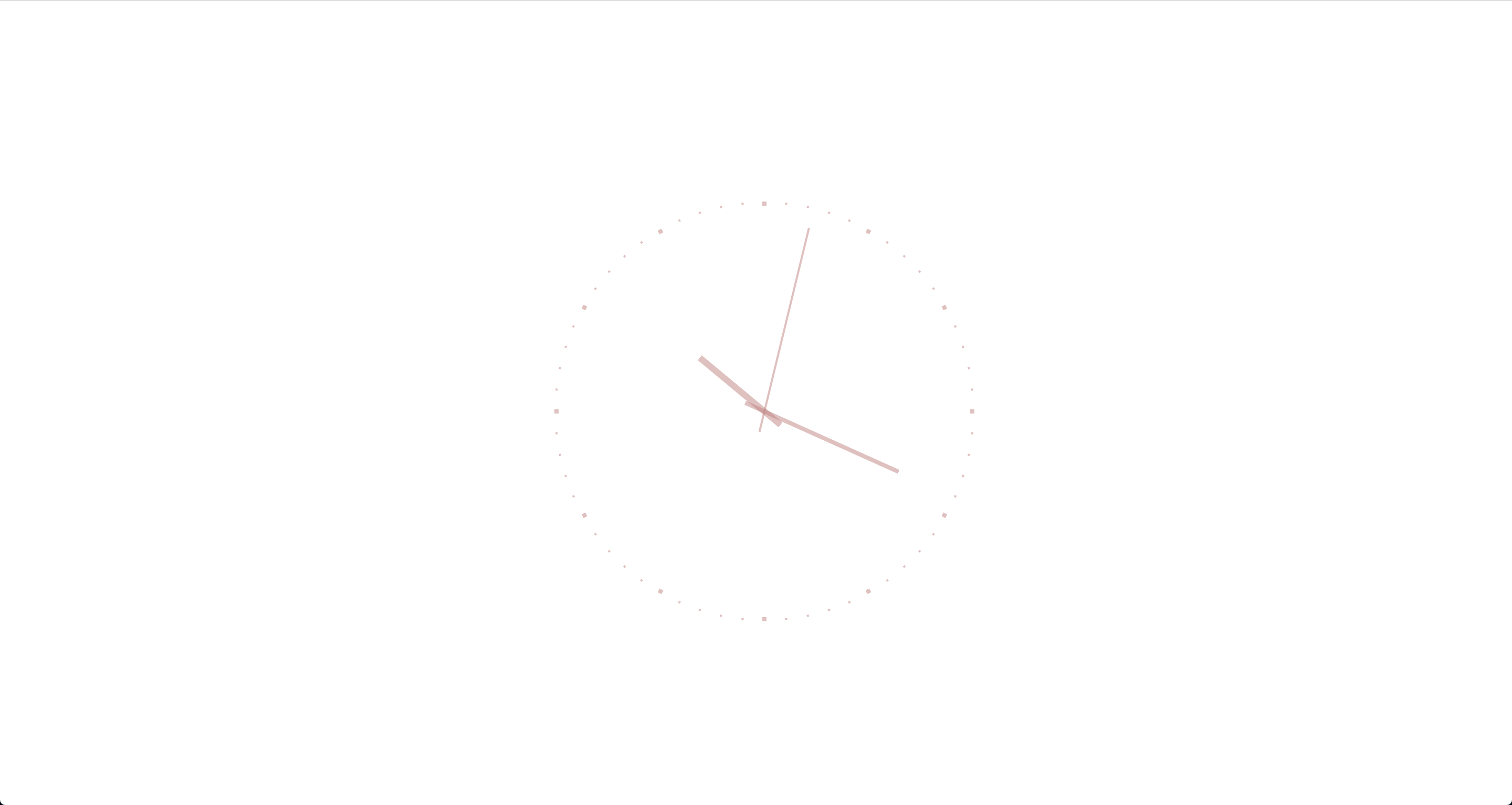
Night
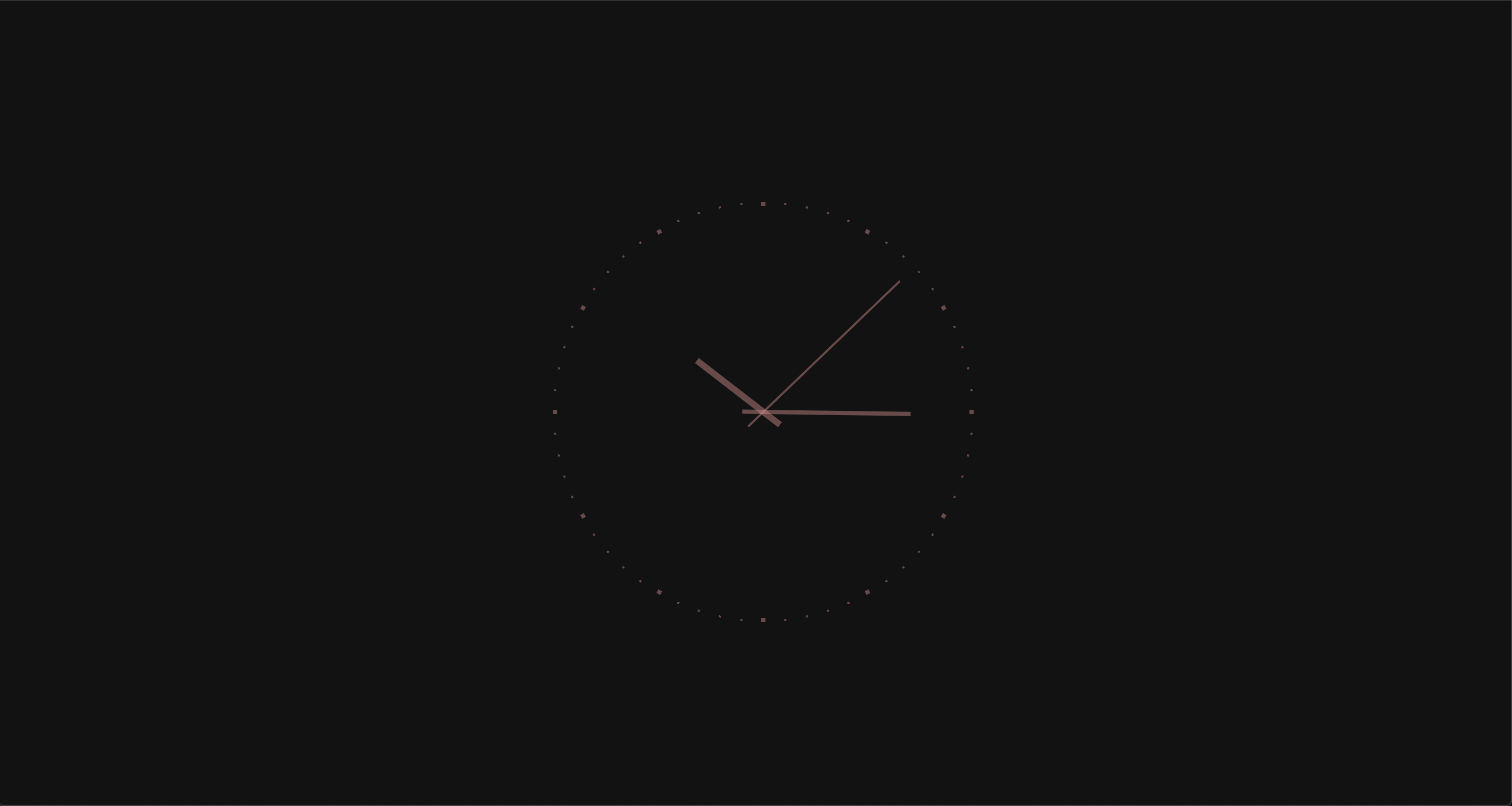
Dark theme
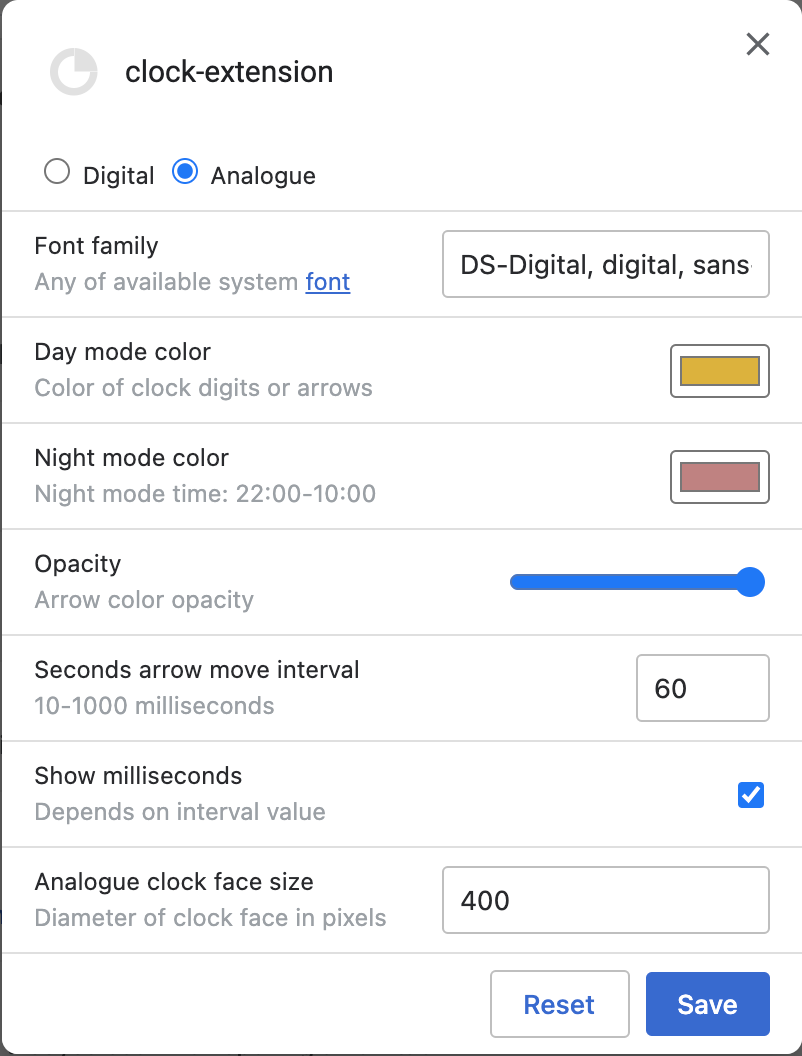
Options
The goal of this project is to replace useless newtab page with something boring and not ordinary, because usually when I open new tab I immediately type in omnybox instead of search input at the middle of this page. This is much faster and omnibox has focus by default. Another reason - when I share my screen, I do not want to accidentally show my recent page titles or screenshots of pages that I opened.
- Configurable night mode switch (22:00 - 10:00) 🌄
- Adopts to the system’s dark/light theme switch 🌗
- No leaks 1
- No ads
- Smooth clock arrow rotation
- Customizable interface
- Automatically paused when overlaps by other window or user switched to another tab 1
- Automatically paused on idle
The DS-Digital font is used for digits
Known Issues
WARNING: High CPU usage
Against the background of the fact, that browser cannot detect is window is active or not there is a risc that clock application will continue to run on minimized/background window and continue to overly use CPU/GPU for rendering.
So, I would not recommend to use this extension on laptop until there will be a better solution for this.
To minimize risk of battery drain, extension will be listen on Visibility API events and Idle events to stop superfluous calculations.
- 1 — Leak probability was minimized as far as possible ↩
- 2 — Page Visibility API do not fully support occlusion by another window Issue 715130 ↩